
Planning a wedding picnic? Begin with a precise and well-timed announcement.
Your online invitation needs to do more than look good—it must clearly convey the type of event, its location, date, and response instructions.
A wedding picnic is casual by nature, but the logistics still matter.
From choosing the right platform to writing a concise, warm message and sharing RSVP details, how you communicate your plans will significantly impact how smoothly everything unfolds.
We will explain the best ways to announce your wedding picnic online, including what information to include, how to make it visually appealing, and when to send it for the best response.
Pick the Right Platform for Your Wedding Picnic Invite
Choose your format based on who you’re inviting. If your guest list includes people of all ages, balance digital and traditional tools.
- For younger guests: Instagram or WhatsApp invites with a short video or digital card work well.
- For older relatives: Use email or printed announcements with RSVP instructions.
- For mixed groups, consider using Paperless Post, Greenvelope, or Zola to send digital invitations that look polished and allow you to track responses.
No matter the platform, make sure your invite includes:
- Date and time
- Picnic location (with map or link)
- Dress code
- RSVP deadline and method
Avoid overcrowded designs. Stick to one photo, one color palette, and mobile-friendly formatting.
Use Visuals That Reflect the Picnic Setting
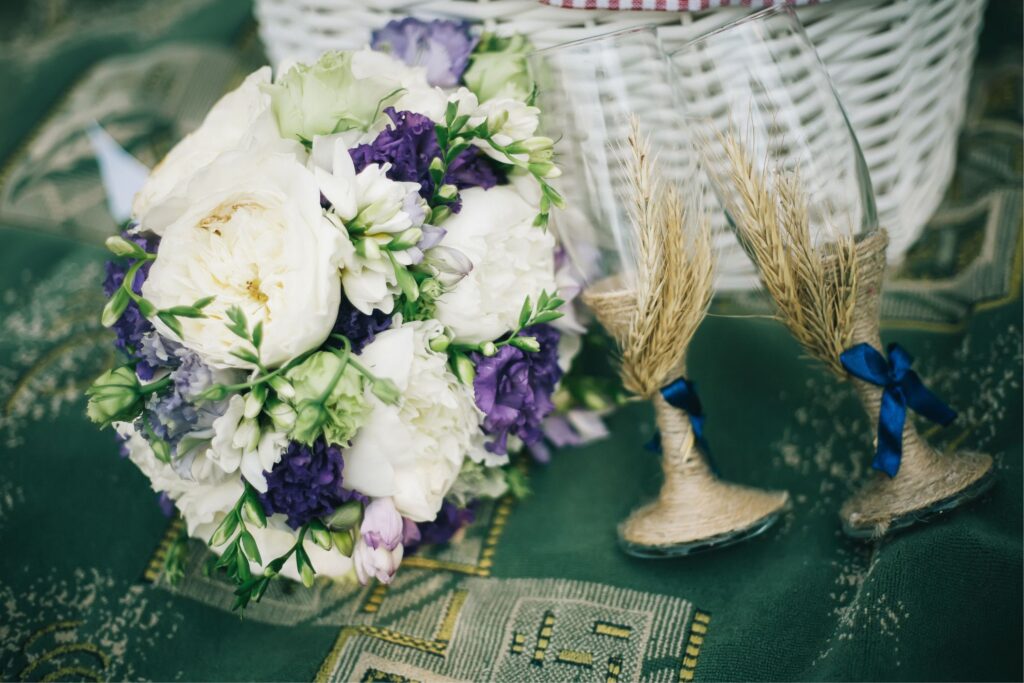
Instead of generic stock photos, show something real. A snapshot of your actual picnic spot, a basket you’ll be using, or your wedding colors in a natural setting will make the experience feel more authentic.
If you’re creating a video invite, keep it under 20 seconds. Use apps like Canva or Mojo to add light animation and soft audio.
Good visuals to include:
- The grass or beach where the picnic will be
- A sample picnic setup with your decor style
- Your initials or a custom picnic-themed logo
- Natural lighting and close-up shots of food or flowers
These subtle touches help guests feel emotionally connected before they even RSVP.
How to Write the Announcement Text for a Picnic Wedding
Keep your tone warm, brief, and personal. You don’t need poetic language—just clear, thoughtful details that set expectations.
Start with a simple, mood-setting line:
- “We’re saying yes under the trees. Join us.”
- “We’re getting married—picnic style.”
- “Casual, joyful, outdoors. And you’re invited.”
Then add:
- What the event is: “A wedding picnic”
- When and where it’s happening
- What to wear: “Picnic chic,” “Comfortable summer clothes,” etc.
- Whether food and seating are provided
- How to RSVP
This is not the place for formalities. Write like you’re texting a close friend.
Make RSVPs Easy and Mobile-Friendly
Your wedding picnic invite should always include an RSVP option that works on any device.
Best options:
- A Google Form with 3–4 questions (Name, RSVP, Dietary Needs)
- RSVP feature on Zola or Paperless Post
- A simple web page with a “Yes/No” button
Avoid anything that requires downloads or sign-ins. Guests should be able to respond in under one minute. Include your phone number or a direct message option for questions.
Also, let guests know:
- If they should bring anything (blanket, drinks, hat)
- What happens if it rains
- If kids or pets are invited
Clear info = fewer texts later.
When to Send and Follow Up on Your Wedding Picnic Announcement
Timing is key when planning an outdoor event. Send your picnic wedding invitation 6–8 weeks in advance of the event. If travel is involved, give at least 10–12 weeks.
Follow up:
- 2 weeks before: reminder message with RSVP deadline
- 1 week before: final updates including weather forecast, parking tips, or location details
If the weather may change, say upfront:
“We’ll update you 48 hours before if the weather changes our plans.”
This keeps guests informed and helps them feel at ease.
Outdoor Food Pairings That Photograph Well
If you’re sharing food plans on your invite or social channels, highlight picnic-friendly combos that look as good as they taste.
Brie + fresh figs + rosemary crackers
Visually appealing, easy to prep, and packable. Use parchment and twine to keep portions neat.
Mini quiches + cucumber salad + sparkling elderflower
Colorful and light, perfect for warm weather. Serve salad in glass jars for easy transport.
Chocolate-dipped strawberries + canned prosecco
Effortless and elegant. Keep in a cooler until guests arrive.
Mentioning what you’ll serve gives guests something to look forward to—and may influence how they dress or what they bring.
What to Include in Your Online Picnic Wedding Invite
Use this checklist to make sure your wedding picnic announcement covers everything necessary, without overwhelming your guests:
- ✅ Date and time
- ✅ Picnic location with map or GPS link
- ✅ What to wear
- ✅ What’s provided (food, seating, drinks)
- ✅ RSVP link or button
- ✅ Simple, personal message
- ✅ One clean visual (photo or video clip)
- ✅ Contact info for questions
- ✅ Weather plan or backup note
Stick to one page or one screen if you need to include more info, link to a separate planning page, or send a follow-up later.
FAQs
How early should I announce a wedding picnic?
For local guests, 6–8 weeks is fine. For guests traveling or booking time off, send a save-the-date notice three months in advance.
What’s the easiest way to collect RSVPs for a picnic wedding?
Use a Google Form, Zola RSVP feature, or any digital invite platform with built-in response tracking. Keep the form short and mobile-friendly.
Should I mention it’s a picnic in the invitation?
Absolutely. Guests need to know it’s outdoors so they can dress for grass, sun, or beach settings—and plan their shoes and outfits accordingly.
What if it rains on the wedding picnic day?
Have a clear backup plan (indoor space or tent). Mention it in the invite and send a final weather update 1–2 days before the event.
Can I include food info in my wedding picnic invite?
Yes—mentioning the menu adds excitement. It also helps with guest expectations, allergies, and dress planning (especially if it’s a casual outdoor meal).
✨ Love picnics as much as we do?
Join our community and get fresh picnic ideas, tips, and inspiration straight to your inbox. No spam, just simple ways to make every picnic special. 🌿🍓